An AI chatbot for Shopify is an automated reply layer attached to a Shopify store that reads the store’s product data, policies and orders to answer customers inside the chat window. Shopify now includes an Inbox agent in its free Shopify Inbox app, so the question for a store owner is no longer “should we add a chatbot” but “are Shopify’s own tools enough, and when do we need another layer”. The answer depends mostly on whether the store sells only through its Shopify website, or also through Facebook, Instagram, WhatsApp, Zalo, TikTok Shop or Shopee at the same time.
Key takeaways:
- Shopify Inbox is a free Shopify app with three layers of automation: saved instant answers, suggested replies for staff, and the Inbox agent that answers customers itself.
- Shopify Magic suggested replies currently work in English only, and they are drafts that a staff member still has to send.
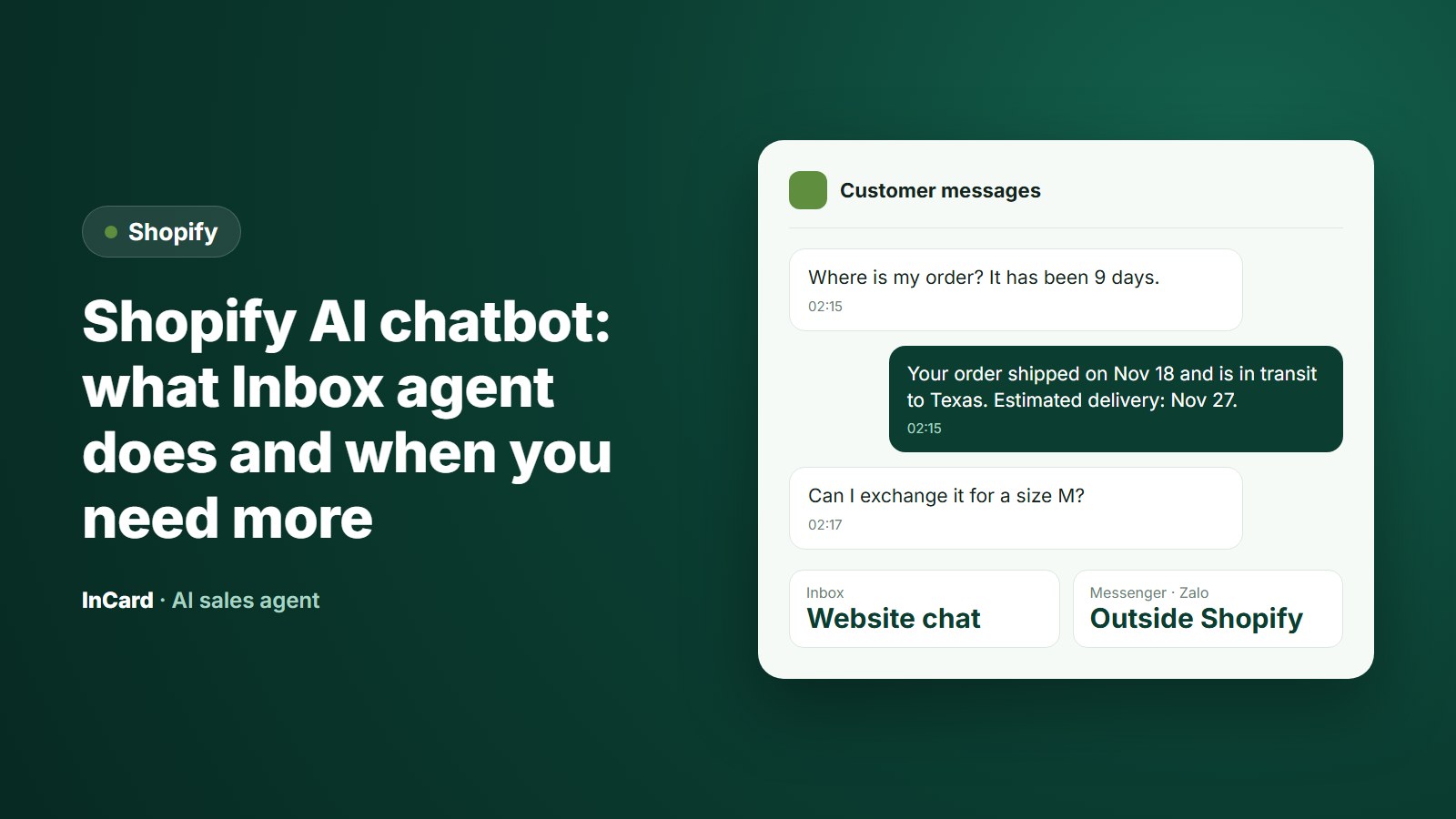
- The Inbox agent lives on the Shopify online store chat. Facebook and Instagram messages left Inbox in 2023, chat in the Shop app ended in February 2025, and channels such as Zalo, TikTok Shop and Shopee sit outside Shopify entirely.
- Third-party support apps commonly charge per AI resolution, at around 1 US dollar each, and need customer data permissions that Shopify controls tightly.
- A store that sells only on its website to English-speaking customers should start with Inbox agent. A store selling across several chat channels has a different problem: bringing customers into one place.
What Shopify customers usually ask
Most messages to a Shopify store fall into five groups: product details and materials, sizing, shipping cost and time, returns and exchanges, and order status. Shopify uses the same list to describe what Inbox agent covers: products, shipping, returns, sizing and store policies.
“Where is my order” deserves its own mention. According to data Gorgias published in 2023 across its e-commerce customers, about one in five support requests is an order status question, and the share rises in peak season. The “30 to 50%” figures that circulate online could not be traced to a source, so this guide does not use them.
Stores that run their team in one time zone and sell into another have an extra operational problem. A team in Vietnam is 11 to 12 hours ahead of the US East Coast, depending on the season, so a US customer’s evening message lands in the early morning in Vietnam, before anyone is on shift. The same gap applies to a UK or Australian store selling into North America. This is a common operational pattern rather than survey data, but it explains why an automatic reply layer matters more for stores selling abroad than for stores selling locally.
The three layers of automation in Shopify Inbox
Shopify Inbox is a free app built by Shopify itself, installed from the Shopify App Store, with its interface in 21 languages. Since 19 February 2025 it covers the online store chat only: Shopify closed chat in the Shop app, and earlier Shop app conversations are no longer visible to merchants. It contains three layers of automation, which differ in who sends the final message.
| Layer | How it works | Limits to know |
|---|---|---|
| Instant answers | The store writes question and answer pairs that customers tap in the chat. “Track my order” is included by default. | You can write as many as you like, but customers see at most 100. Only answers the exact question written; does not understand the same question phrased differently. |
| Suggested replies (Shopify Magic) | AI drafts a reply; a staff member reads it and presses send. On by default. | English only, and the admin and online store both need to be set to English. Someone still has to be there to send. |
| Inbox agent | AI holds the conversation with the customer about products, shipping, returns, sizing and policies. It reads the catalogue, policies, the Knowledge Base app, and published pages and blog posts. The store chooses the tone and when a person steps in. | Must be switched on. Runs only in the Shopify online store chat. Shopify has not published a clear list of languages the agent answers in. |
Two details in Shopify’s documentation are worth reading closely. First, conversations already in progress stay with staff until the store switches Inbox agent on, so the AI does not jump into an existing chat. Second, the agent can search the web for product reviews and cite sources when a customer asks about a catalogue product. Read a few of those answers before going live, because content pulled from outside is not under the store’s control.
In merchant reviews on the App Store between August and October 2026, a few problems came up: the agent answering in English in a French conversation, linking to pages that did not exist, and answering time-related questions without using the store’s time zone; Shopify replied that the time zone issue was being fixed. These are reports from some users, not an official assessment, but they make a good list for your own testing.
When Shopify’s own tools are enough
Inbox agent fits when three things are true: the store sells mainly through its Shopify website, customers mainly message through the website chat, and product data and policies are already written out fully in the store. In that case the job is to clean up the data and switch the agent on, without paying for another tool.
Dropshipping and print-on-demand stores selling to US customers often fit this group: one main sales channel, English-speaking customers, and repeated questions about delivery time and returns. The biggest gain is covering the time zone gap without hiring a night shift.
When you need a layer outside Shopify
There are four situations where the built-in tools start to fall short:
- Customers message on other channels. In August 2023 Shopify staff confirmed in the Shopify Community forum that the Facebook and Instagram Messenger channel was no longer supported in Inbox; those messages go through the separate “Facebook and Instagram by Meta” sales channel. Stores that also sell on Zalo, TikTok Shop or Shopee have those channels completely outside Shopify.
- You need multi-step ticket handling. For example sorting complaints, assigning them to staff and tracking resolution time. That is a helpdesk’s job, not a chat widget’s.
- Customers and staff use several languages. Suggested replies are English only, and Inbox agent’s languages have not been clearly published.
- You need customer history across channels. A customer asks on Messenger, buys on the website, then complains on another channel: if the three conversations sit in three places, nobody sees the full picture.
Third-party customer support apps on the Shopify App Store now commonly charge for AI in two ways: per resolution, when the AI closes a conversation without a person, and per conversation. On the public price list of one of the large platforms, checked in November 2026, an AI resolution costs 0.99 US dollars with a minimum of 50 resolutions a month, and around 1 US dollar per resolution is a common reference point in the market. A store with 2,000 chats a month where the AI resolves half would pay about 1,000 US dollars for the AI alone. Put that figure next to the cost of a staff member covering chat, and check current price lists before deciding, because they change often.
Data permissions: what to ask before an app reads your orders
To answer “where is my order”, an outside app must be able to read orders and customer details. Shopify controls this with two layers:
- Access scopes. The app must request each permission specifically, such as reading orders or reading customers. The store sees this list when installing the app.
- Protected customer data. Level 1 covers customer data that excludes name, address, phone number and email; the app must use the minimum data needed, set retention periods and encrypt the data. Level 2 adds name, address, email and phone, requested field by field, and the app must keep access logs, an incident response process and encrypted backups. Even an order tracking page link needs level 2 access.
For public apps on the App Store, Shopify reviews both levels before granting access. When choosing an app, ask three direct questions: which permissions does it request and why does it need each one; where is customer data stored and for how long; and how is the data deleted when you stop using the app.
Preparing your store before switching AI on
Whether you use Inbox agent or an outside app, the quality of the answers depends on the data the store provides. These five steps apply to both.
Step 1: Write complete policies in the store. What to do: the shipping policy states order processing time and transit time for each market; the returns policy states conditions, time limits and who pays return shipping. Expected result: the AI has an official source to quote when customers ask. Common mistake: vague policies such as “fast shipping”, which leave the AI with no number to give, so it dodges or answers vaguely.
Step 2: Put repeated questions into the Knowledge Base. What to do: use Shopify’s Knowledge Base app to record frequent questions, the brand’s tone of voice and things the AI must never say. Expected result: the AI answers in the store’s voice and does not promise what the store does not do. Common mistake: skipping the “never say” list, so the AI promises an exact delivery date on a print-on-demand order that depends on the print partner.
Step 3: Add size charts and materials to each product. What to do: put the size chart as text in the product description, not only as an image. Expected result: the AI can read it and recommend a size from the customer’s measurements. Common mistake: a size chart that exists only as an image, which the AI cannot read, so it answers generically.
Step 4: Test with real questions. What to do: take 20 questions word for word from your old chats, including some in languages other than English, some about times and dates, and some asking for links. Expected result: you see in advance the problems other merchants have reported, such as wrong language, broken links and wrong time zone. Common mistake: trying a few easy English questions and then going live.
Step 5: Decide when a person steps in. What to do: define the situations that must go to a person, such as defective product complaints, refund requests and orders held at customs. Expected result: the AI handles repetition and staff receive only the chats that need a decision. Common mistake: letting the AI handle complaints too, so customers get more upset by a mechanical answer at the moment they need a person.
Shopify in a multichannel business
Many brands, including many in Vietnam and Southeast Asia, use Shopify as their main website while most messages arrive through Facebook, Zalo, TikTok Shop and Shopee. For these businesses a chatbot on the Shopify website solves only a small part of the problem. The bigger issue is that customers and their conversation history are split across several apps, staff jump between them, and nobody can see what one customer asked on which channel.
InCard takes the opposite approach: one AI agent working inside the business’s own account on each channel, logged in once through a remote browser session, with no API integration project, and with every customer collected into one shared CRM. Today this runs on TikTok Shop, Shopee, Zalo and Facebook. Shopify is a direction of expansion: Shopify has its own API, so InCard’s advantage there is not “being able to connect” but keeping Shopify customers in the same CRM as customers from the other channels. Because it is an expansion direction, InCard runs a trial on the store’s real Shopify account before committing to any result.
To be direct: if your store sells only on its Shopify website, your customers speak English and you use no other chat channel, Shopify’s free Inbox agent is the more sensible place to start. A multichannel layer is only worth paying for once messages are genuinely spread across several places.
Frequently asked questions
Is Shopify Inbox free?
Yes. Shopify Inbox is listed as free on the Shopify App Store. The Inbox agent help pages do not list a separate charge for the agent. Check in your admin when you switch it on, because pricing can change.
Which languages does Inbox agent answer in?
Shopify has not published the list of languages Inbox agent answers in. Shopify Magic suggested replies work in English only, and the instant answer suggestions Shopify generates for you are in English too. The safest approach is to test with a few real questions in your customers’ languages before switching it on for customers.
Does Sidekick answer customers?
No. Sidekick is Shopify’s free AI assistant for merchants inside the admin, helping them work with store data. Conversations with customers are Inbox agent’s job.
Can I connect Messenger, WhatsApp or Zalo to Shopify Inbox?
Shopify stopped supporting Facebook and Instagram Messenger in Inbox in 2023, and there is no Zalo channel in Shopify. To answer these channels together, a store needs a multichannel tool that sits outside Shopify.
What about customers asking ChatGPT about my products?
Since the Winter ’26 Edition, Shopify has been making store products available in AI assistants such as ChatGPT, Perplexity and Microsoft Copilot. Answers in those assistants come from the product data and policies the store publishes, so the data work in steps 1 to 3 above also helps the store be answered correctly there.
Does InCard work on Shopify?
Shopify is an expansion direction for InCard, using the same remote browser login that runs today on TikTok Shop and Shopee. InCard runs a trial on the store’s real Shopify account before committing. The channels that run officially today are listed on the AI sales agent page.
Start from where customers actually message you
Before choosing a tool, count the last 30 days: how many messages came through the Shopify website chat, and how many through Messenger, Instagram, WhatsApp, Zalo, TikTok Shop or Shopee. If the website is most of it, clean up your data and switch on Inbox agent. If other channels are most of it, your real problem is bringing customers into one place. In that case InCard’s AI sales agent can run a trial on your real data and accounts, so you can judge the answers before you decide.
Further reading: AI sales agent for Shopee, TikTok Shop and Lazada for the marketplace side, AI chatbots on your website for what a website chatbot does well in operation, and AI customer support chatbots for where a human must take over.
Tam Ho is the Founder of InCard, the agentic AI platform for small and mid-sized businesses in Vietnam. He works directly with operations teams to bring each chain of work onto the system, with a human keeping the checkpoint on the decisions that matter.