
A resort with a restaurant: booking enquiries land exactly when the kitchen is busiest
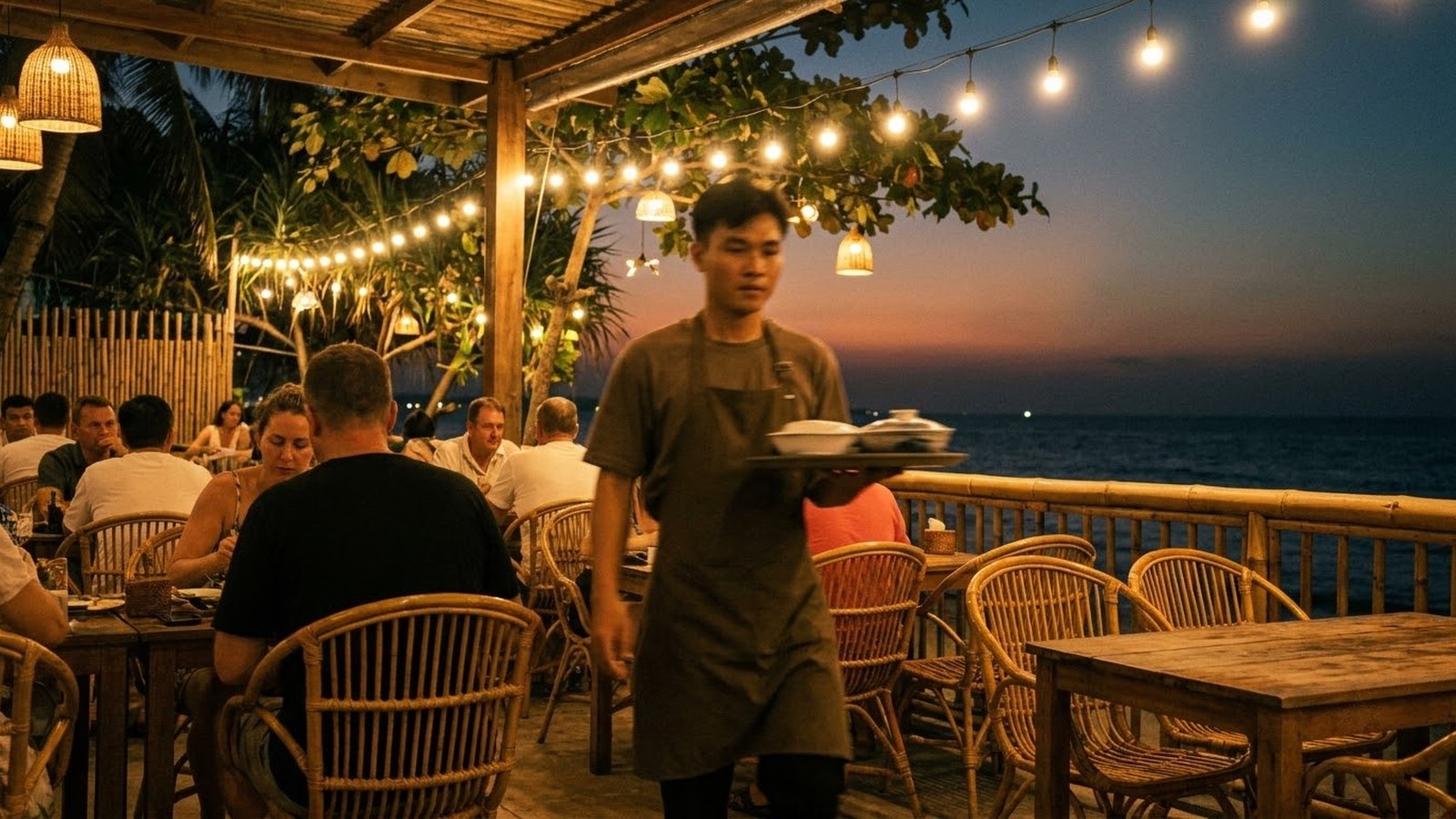
A seaside resort that sells rooms and runs a restaurant, where the same person works the desk and serves the tables. An enquiry arriving at peak service goes unread; one arriving after closing is not seen until morning. InCard builds a virtual receptionist layer that runs alongside staff during opening hours and takes over entirely outside them.
Design targets
Four numbers the system is designed to hit.
The number that matters most here is not response speed — it is the last one: every payment carries its own reference. That is the technical precondition for automatic reconciliation, and without it the rest of the numbers mean nothing.
The four figures above are design targets, not measured results. This page describes a solution model built for a property combining accommodation and F&B, not a results report from a named client. When we have measured post-launch figures we are cleared to publish, we will update this page and state the measurement period.
The transformation journey
One person cannot work the desk and the floor at the same time.
Step 1
The challenge
The property sells both rooms and meals, across three room categories differing in rate, capacity and outlook. Guests arrive from booking channels, from social media, and off the street. What every problem below has in common is that the staff are split in two.
- The same person takes bookings and serves the restaurant. A busy service is when booking enquiries are missed most — and it is also when guests tend to write.
- After closing there is nobody. People planning a trip tend to look for rooms late in the evening, and if your answer arrives the next morning they have booked elsewhere.
- Three categories, three different answers. New staff leave things out, everyone explains it differently, and guests end up with inconsistent information.
- Checking availability means opening the software. That is a few minutes each time, and those minutes do not exist during a busy service.
- Deposits taken by manual bank transfer. At the end of the day someone has to comb the statement to see who has paid — harder still for foreign guests.
- Check-in still needs someone at the desk. Late arrivals wait, or ring around looking for a person.
Step 2
The solution
The virtual receptionist layer does not replace people during opening hours — it carries the repetitive answering so staff can concentrate on the guest in front of them, then takes the shift outright once the property closes.
Advising across three room categories
- The assistant is loaded with the full detail of every category: seasonal rates, size, capacity, amenities, outlook, and real photographs.
- The guest says how many people, what budget, what they need — the assistant suggests a suitable category and sets the options side by side so the guest can compare.
- The real gain here is not speed but consistency: every guest gets the same set of facts, regardless of who happened to be on that day.
Checking availability and creating the booking
- The assistant reads live room status from the management software instead of someone opening a computer to look.
- Once the guest settles on dates and a category, the system creates the booking with contact details, arrival and departure dates and guest count.
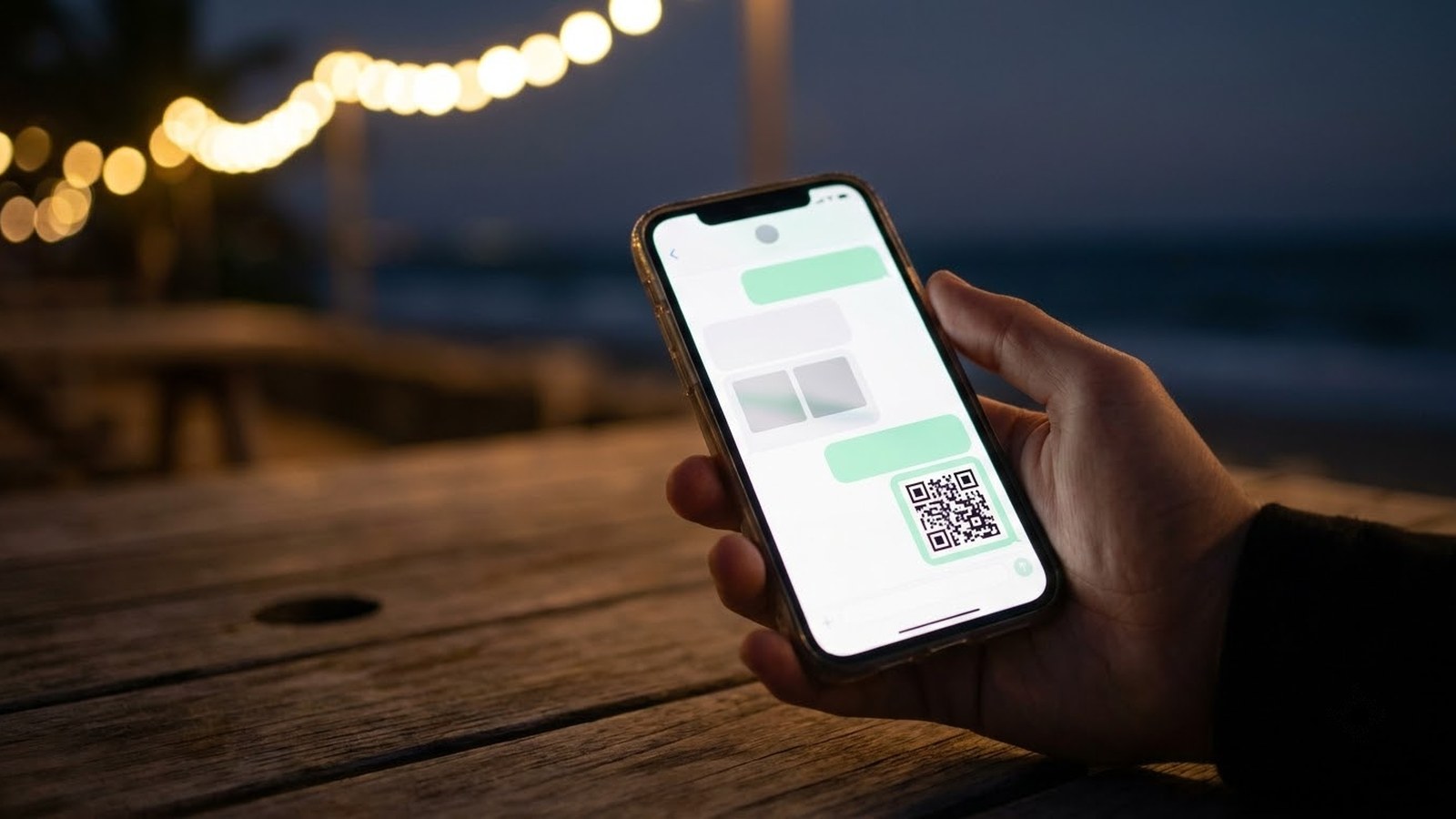
Deposits via a QR code generated per transaction
- Every payment gets its own QR code, carrying the amount and the reference for that specific booking. This is the decisive difference: one shared QR code for all guests cannot be reconciled automatically, because money arriving is attached to no order at all.
- Once the guest pays, the system matches the transaction to the booking by reference and sends confirmation, instead of someone combing a statement at the end of the day.
- The amount and the refund terms must be visible before the guest scans. What percentage of the room rate you take is the property's decision, but whatever it is, the guest has to see the figure and the terms first, not afterwards.
- Foreign guests who cannot use domestic transfers get a payment gateway link instead.
Sending the code and dispatching the work
- Once payment clears, the guest receives the door code with directions, a site map, the wifi password and the restaurant menu.
- Each new booking creates jobs for the right departments: housekeeping, arrival preparation, and a transfer if there is one.

Step 3
Boundaries to hold
Taking money is the riskiest part of the whole model, which is why four of the five points below revolve around it.
- Do not use one static QR code for every guest. Beyond making reconciliation impossible, a static code is easy to photograph and pass around. A code generated per booking, with an expiry, is significantly safer.
- State the amount and the refund terms up front. The guest has to see what they are paying, what for, and what happens on cancellation — before scanning, not after.
- Watch for impersonation. Once money changes hands inside a conversation, third parties will impersonate the property to send their own codes. Publish clearly which channels the property collects through, and never change account details mid-conversation.
- Always keep a route to a real person. A guest who has transferred money the system has not yet recognised needs a human immediately — not an assistant answering on its own.
- The assistant only says what the property has declared. Seasonal rates, child policy, surcharges, check-in and check-out times — anything not written down has to be handed to a person rather than guessed at.
Step 4
Operating targets
Each target is tied to a mechanism above, so it can be checked. These are thresholds set at design time, not measurements taken after go-live.
- No more after-hours gap. Because the answering layer does not depend on a shift, an eleven-o'clock message still gets a reply.
- Answers that are fast and the same every time. Speed is the obvious consequence; consistency is what a guest can actually compare when they ask twice.
- More bookings outside office hours. Because most of the evening enquiries previously went unanswered in time.
- Reconciliation runs automatically. Because every transaction carries the reference of its own booking, instead of being matched by eye.
- The person at the desk gets time back. The repetitive answering moves to the system; looking after the guest in the room stays with people.
One honest word about speed: answering within seconds is the easy part, and it is not why a guest chooses you. What keeps them is the right answer — the right seasonal rate, the right policy, the right availability. If the underlying data is not clean, the assistant just helps you give the wrong answer faster.
About this model
A seaside resort with a restaurant
Next step
Losing guests because nobody answers in the evening?
A demo to count the after-hours messages you received over one month, then estimate what has already been lost before talking about a solution.